Storytime · 0:21A street cat picked me
Early access is open
Viral Shorts. At your fingertips.
Tell DashShorts what you want. It writes the script, records the voiceover, adds captions and pacing, picks the visuals, and hands you a vertical video ready for TikTok, YouTube Shorts and Reels.
Making videos for a side hustle? DashShorts helps you make them faster. See how
Create your first videoReal videos made with DashShorts. No editing.
3
platforms, one export
5
jobs done for you
9:16
vertical by default
Open
early access
TikTok · YouTube Shorts · Reels · Script, voice, captions, pacing, visuals
How it works
Your first video in three steps
No editing skills, no timeline, no learning curve.
1
Describe it
Type a topic, paste a story, or drop in a rough script. A sentence is enough.
2
Shape it
Pick a voice, a caption style and a look. Change any line you don't love.
3
Export & post
Download a vertical video ready for TikTok, YouTube Shorts or Reels.
Formats
Pick a format, or invent your own
Popular styles are ready to go. And if you can describe it, you can make it.
StorytimeNarrated stories with bold, timed captions.
See how our samples were made
- The 50/30/20 Budget Rule
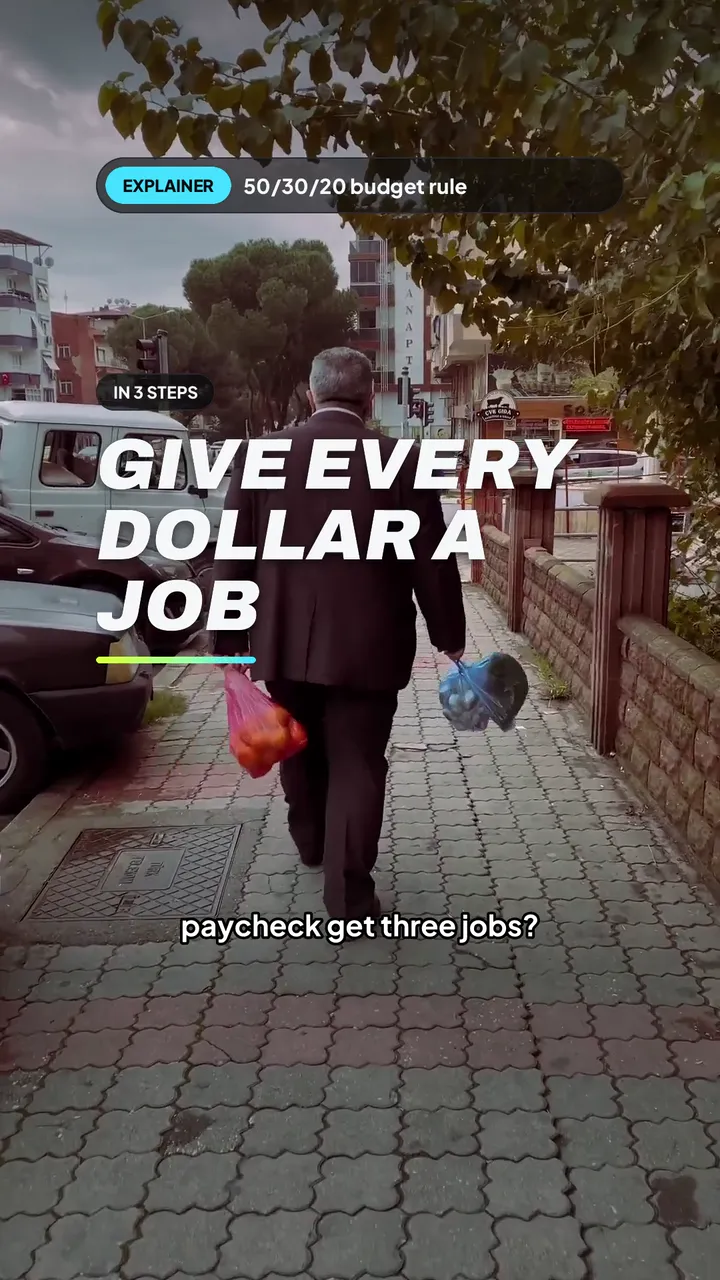 Official sample
- Octopus Quick Facts
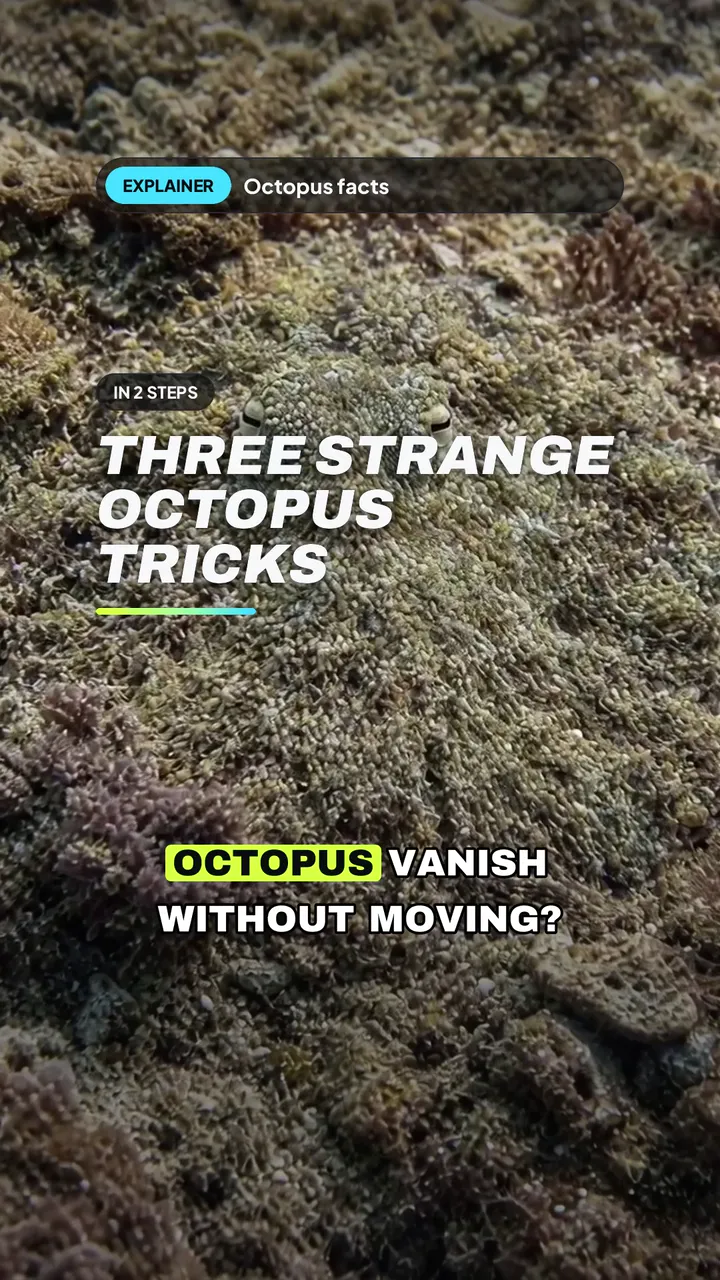 Official sample
- Small Habits Beat Motivation
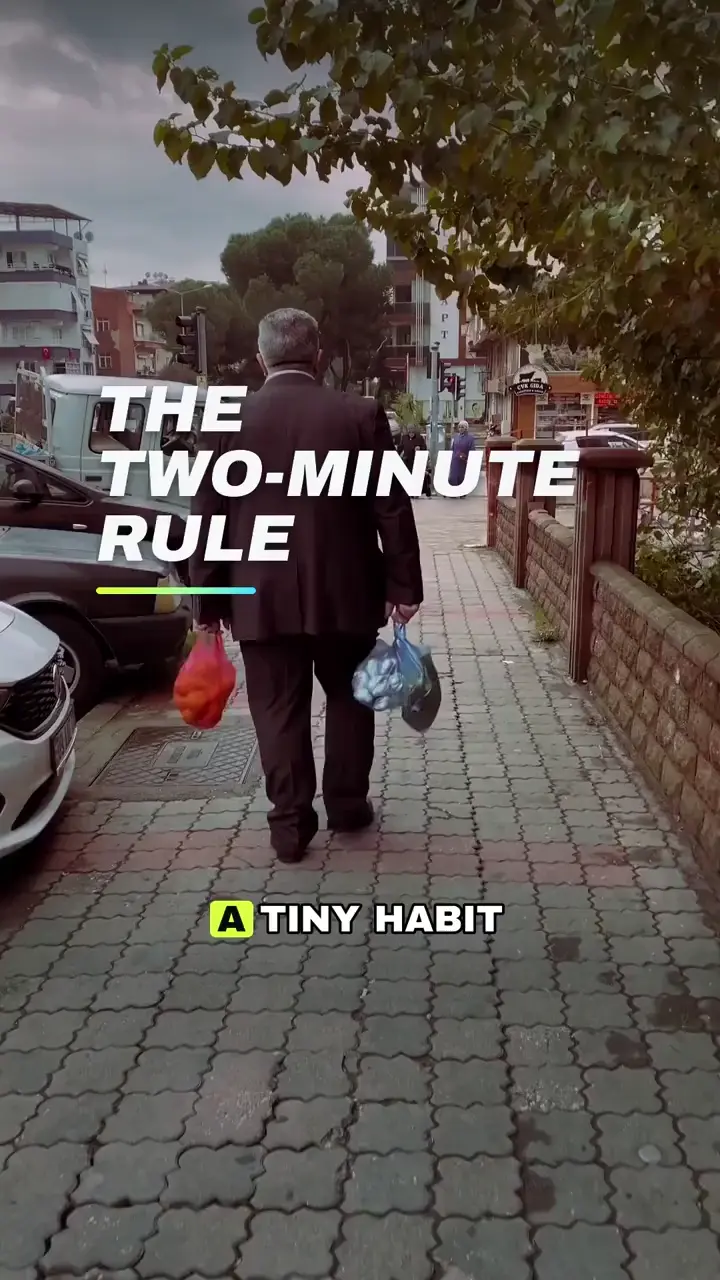 Official sample
- Venus: A Day Longer Than a Year
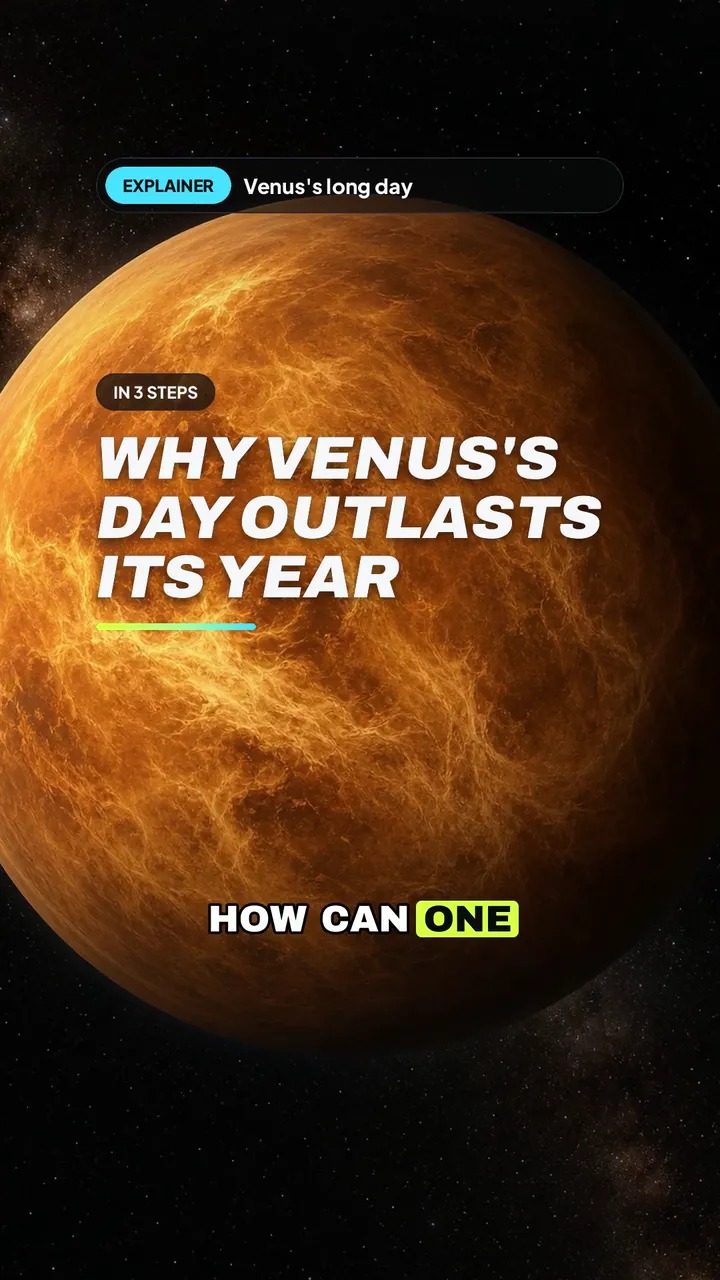 Official sample
- The Hedgehog and the Firefly
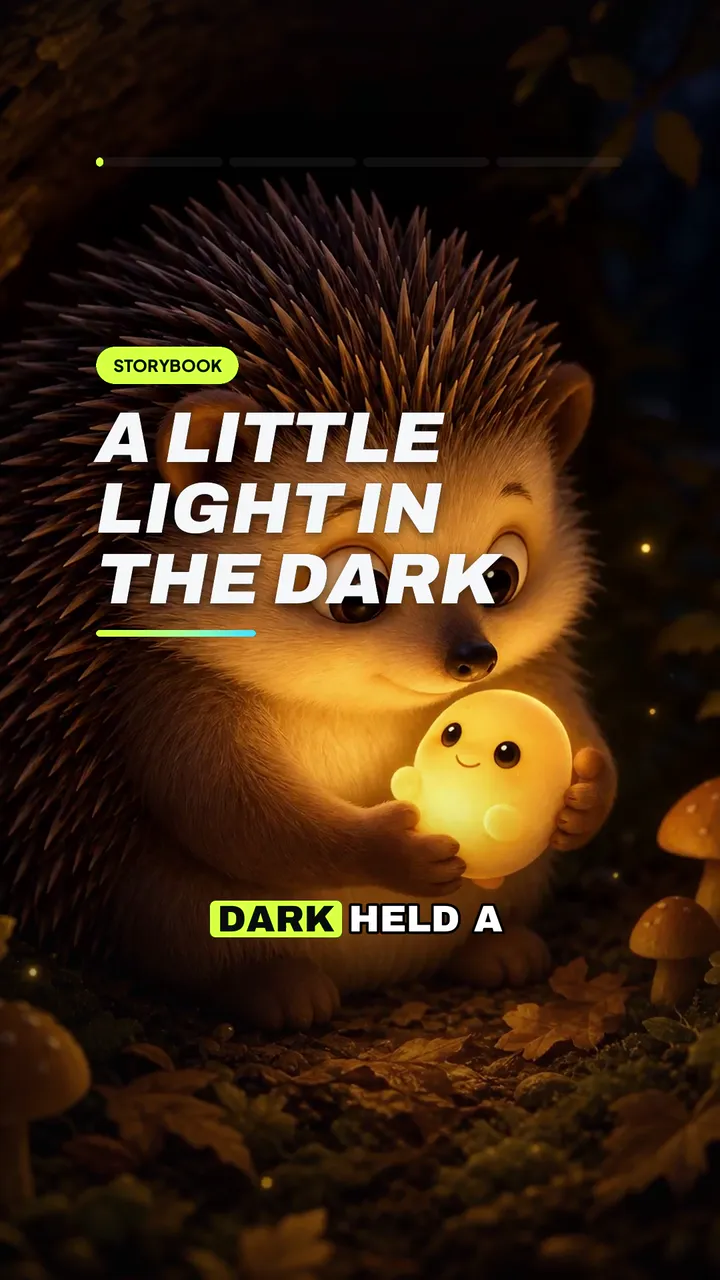 Official sample
- The Cat at the Bus Stop
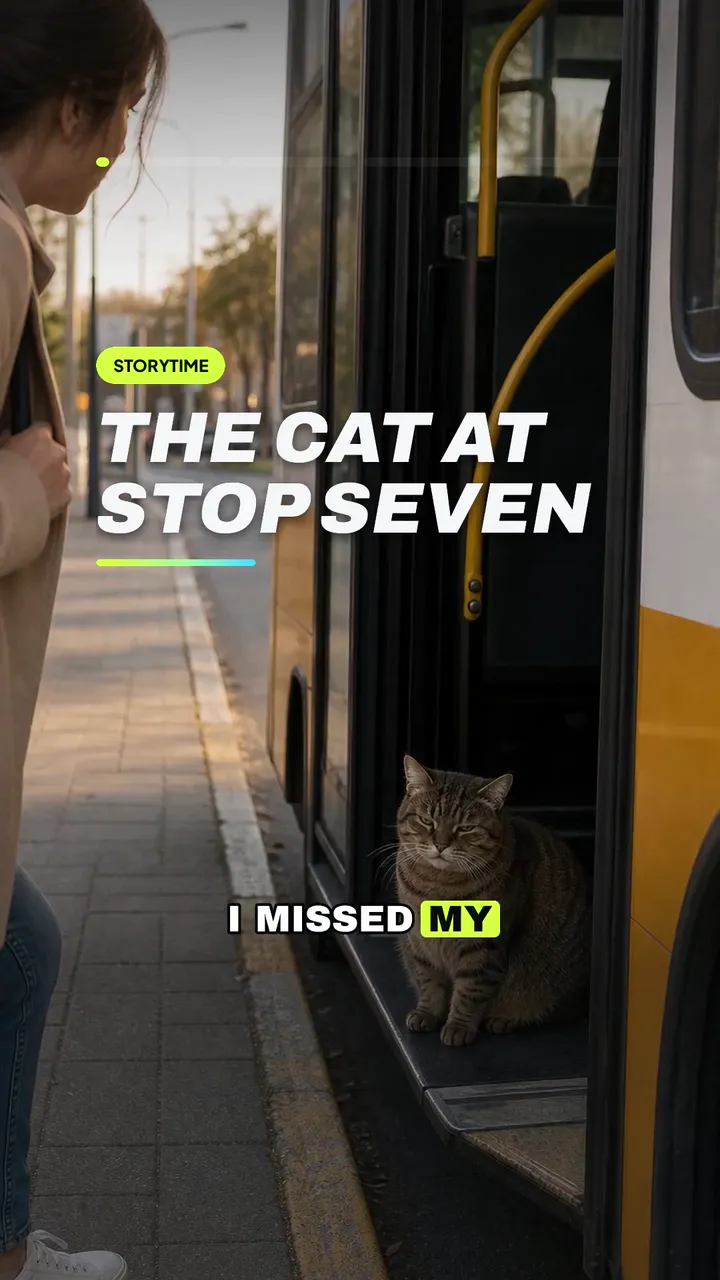 Official sample
Built in
Everything you need to go viral
Integrated tools designed to understand the algorithm
AI script writer
Turns a rough idea into a tight, hook-first script.
AI voiceover
Natural voices with the right energy for the story.
Auto captions
Bold, timed captions that keep eyes on screen.
Smart pacing
Cuts and timing tuned for short attention spans.
AI visuals
Stock clips matched to every line, or AI images made for each scene.
One-tap export
Sized and ready for TikTok, YouTube Shorts and Reels.
Pricing
Simple plans
A 15- or 30-second short is 1 credit. A 60-second short is 2 credits. AI video makes an AI clip for each scene and is priced per clip, about 19 credits for a typical 30-second short.
Starter
Monthly subscription, cancel anytime
$9per month
- 10 credits per month
- Personal use (commercial with Pro)
- Renews monthly, cancel anytime
Creator
Monthly subscription, cancel anytime
$35per month
- 50 credits per month
- Personal use (commercial with Pro)
- Renews monthly, cancel anytime
Pro
Monthly subscription, cancel anytime
$59per month
- 100 credits per month
- Commercial use
- Cancel anytime
- Renews monthly, cancel anytime
Sign in with your email, then buy credits in the app when you are ready to generate.
Founding creators
This wall is saving a spot for you
We won't fill this space with made-up praise. When early members start creating, their words go here, with their permission.
Reserved for a founding creator
Your honest words could live here after you try DashShorts.
Get started →Our promise
Every quote on this wall will come from a real member, shared with their permission. No made-up praise, ever.
What is DashShorts?
An AI shorts maker. Describe the video you want and DashShorts writes the script, adds a voiceover, captions, pacing and visuals, then exports a vertical video for TikTok, YouTube Shorts and Reels.
When does early access open?
Early access is open.
How much does it cost?
Starter is $9 per month for 10 credits. Creator is $35 per month for 50 credits. Pro is $59 per month for 100 credits. Renews monthly, cancel anytime.
A 15- or 30-second short is 1 credit. A 60-second short is 2 credits. AI video makes an AI clip for each scene and is priced per clip, about 19 credits for a typical 30-second short.
Sign in with your email, then buy credits in the app when you are ready to generate.
Which platforms does it work with?
DashShorts makes vertical 9:16 videos sized for TikTok, YouTube Shorts and Instagram Reels. Download the finished video and post it wherever you like.
Do I need editing experience?
None. If you can describe the video in a sentence, you can make it. You can still tweak the script, voice, captions and look before you export.
Do I own the videos I make?
Pro subscribers own their finished DashShorts videos and can use them commercially. That includes YouTube monetization, ads and client work. While your Pro subscription is active, every video you make is covered for commercial use, whichever credits pay for it. Videos made while a Pro subscription is active keep their commercial license after Pro ends. A license that still applies to a clip, a voice or a picture inside the video still applies.
Stock footage stays under its Pexels or Pixabay license. You can use it commercially, and you do not have to credit it. You cannot sell or redistribute the raw clip on its own.
You may use the voiceovers in videos you make with DashShorts, subject to our Terms. Commercial use of those voiceovers needs an active Pro subscription. Without one, they are for personal, non-commercial use only. You do not own the underlying voice. ElevenLabs keeps its voice models. Your use has to follow ElevenLabs' terms, including its prohibited-use rules, and you must have the rights to any voice you upload.
AI video and AI pictures follow the model provider's output terms. Pictures go through the OpenAI API. OpenAI assigns any right it has in that output to its API customer. Copyright in the picture exists only where the law says it does. Video uses MiniMax H3 through fal.ai. fal marks that model for commercial use. fal's terms leave intellectual property in the generated file to the model license, and they do not promise the file is original. MiniMax claims no rights in the outputs. The H3 license does not authorize use of the model or its outputs in the United States, the European Union, the United Kingdom or South Korea, and a commercial product that uses H3 must display the name MiniMax H3. MiniMax's Q&A says the hosted API is available worldwide. Commercial use of that AI video in the United States stays unresolved until those two MiniMax sources are reconciled.
You are responsible for your prompts and for anything you upload, and you must have the rights to it.
Without an active Pro subscription, videos made with Starter or Creator credits, or with free or bonus credits, are for personal, non-commercial use only.
Can I use the music in monetized videos?
Yes. Background music in DashShorts is AI-generated instrumental music. You can use it in videos you make with DashShorts, including monetized YouTube, TikTok and Instagram posts when the video is made with an active Pro subscription (videos made without an active Pro subscription are for personal use only). You can't download or resell the tracks on their own, or register them with YouTube Content ID. See our Terms for details.
Can I use DashShorts for a side hustle?
Yes. DashShorts helps you make the videos for your side hustle faster. Monetizing those videos is up to each platform’s rules. Commercial use, including monetized posts, needs an active Pro subscription. DashShorts does not promise income, earnings, or results. See the Terms and Pricing.